How to help LinkedIn users pronounce your name correctly
LinkedIn is a great platform for creating new connections, and you may even end up meeting these people in person, but there’s nothing worse than having your name pronounced wrong or messing up someone else’s name. Correct name pronunciation is not only common courtesy, but it also makes a good first impression and can help others feel welcome and valued.
LinkedIn has rolled out a new feature that lets you record the correct pronunciation of your name, and display it on your profile. Check out how to add this feature to your profile:
Note: this can only be set up using the LinkedIn app on your phone, it is not available on desktop yet.
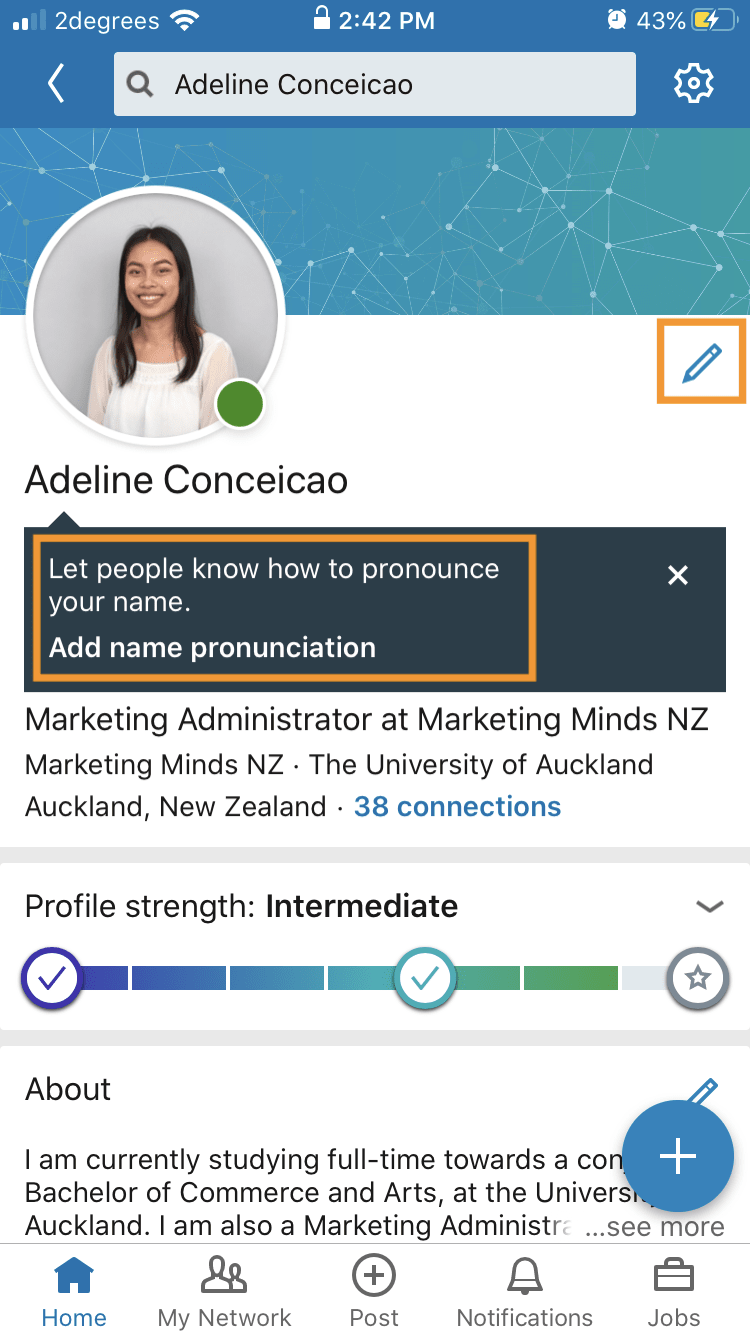
- Open the LinkedIn app on your iOS/Android mobile, and go to your profile
- A banner should pop up below your name, click ‘Add name pronunciation’. If there’s no banner, simply click the pencil icon on the right of your profile picture
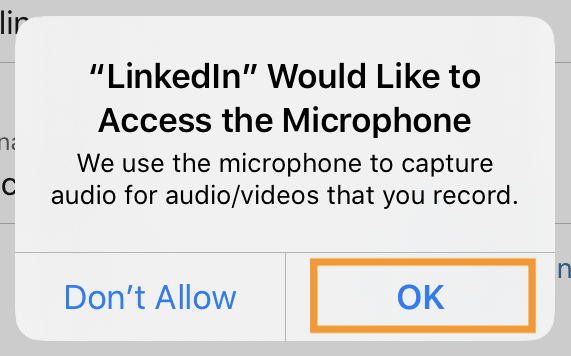
3. A prompt will pop up asking for access to your microphone, click ‘OK’
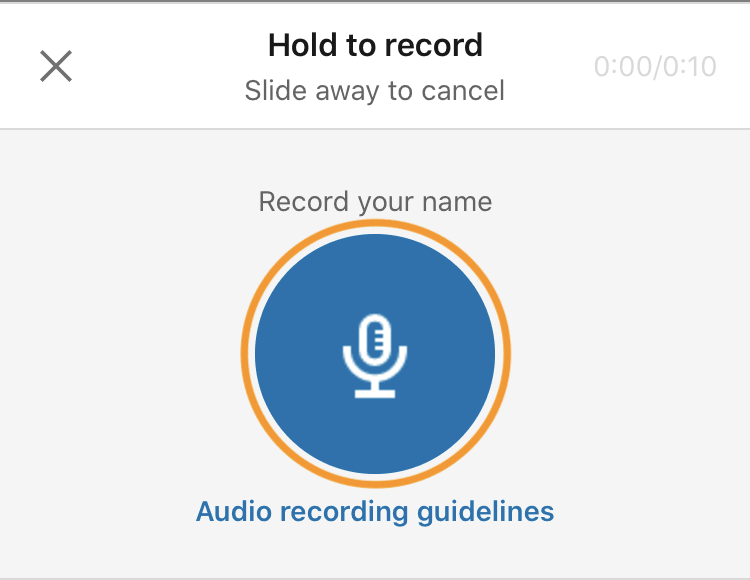
4. Record yourself saying your name by pressing and holding down the microphone button, release when done
5. Playback your recording; if you’re happy with it click ‘Apply’, if you want to try again, click ‘Retake’
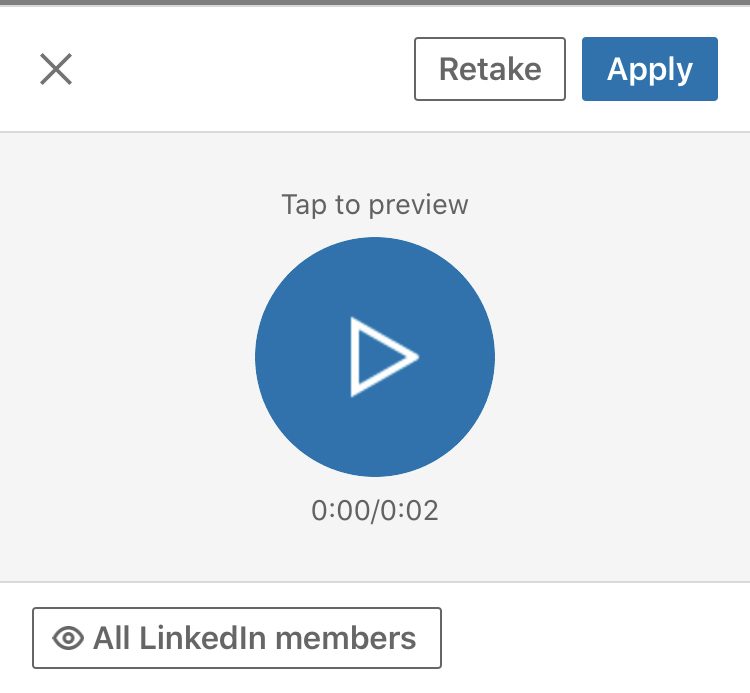
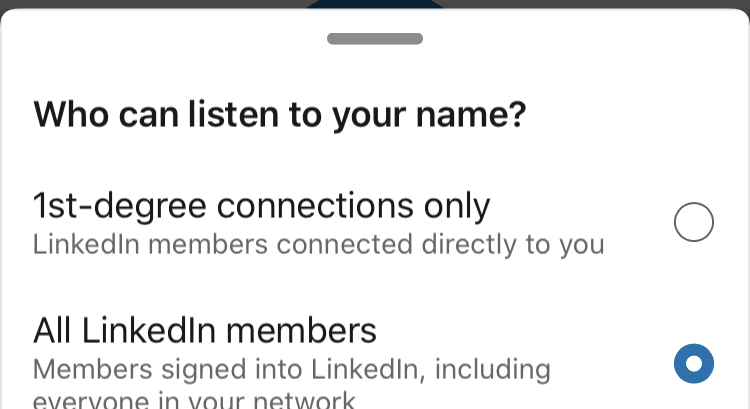
6. You can edit who has access to your recording by clicking the button that says ‘All LinkedIn members’. Select whether you only want 1st-degree connections to listen, or all LinkedIn members
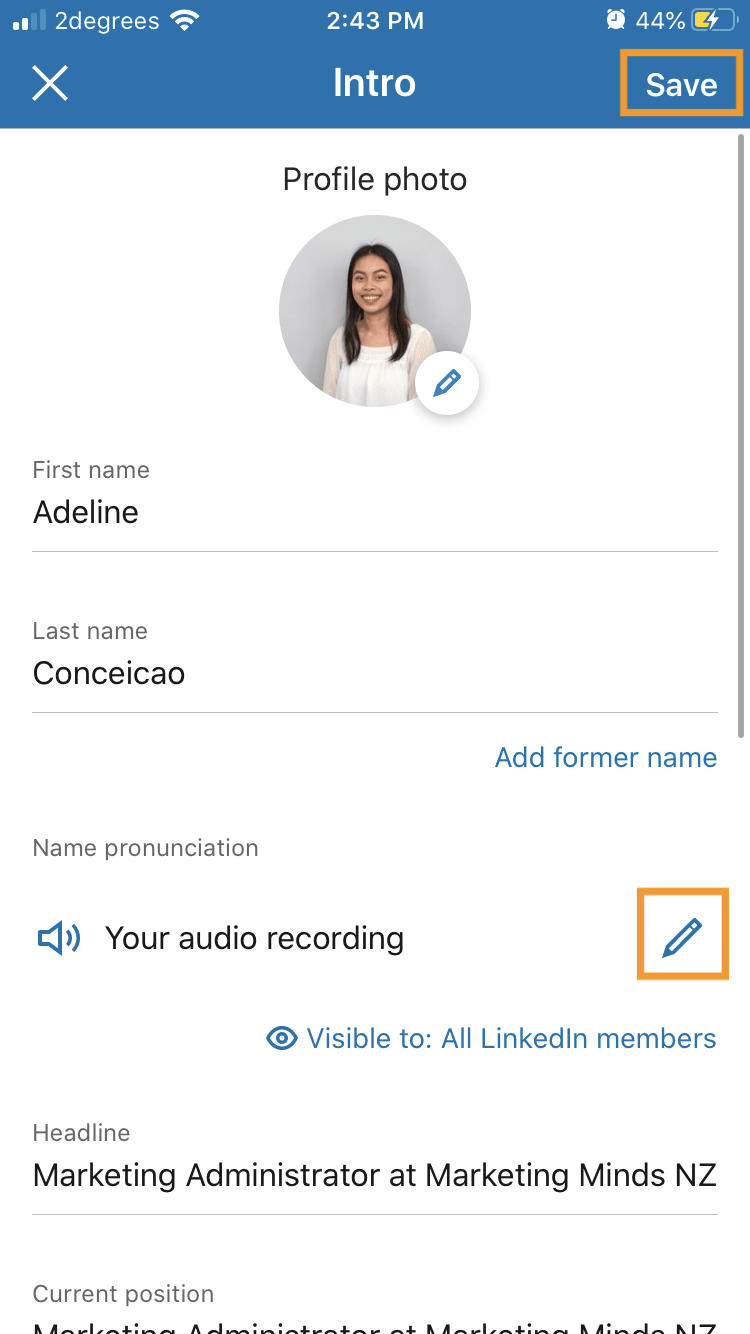
7. Click ‘Save’ once you’re done. You can edit or delete the recording by clicking the pencil icon next to ‘Your audio recording’
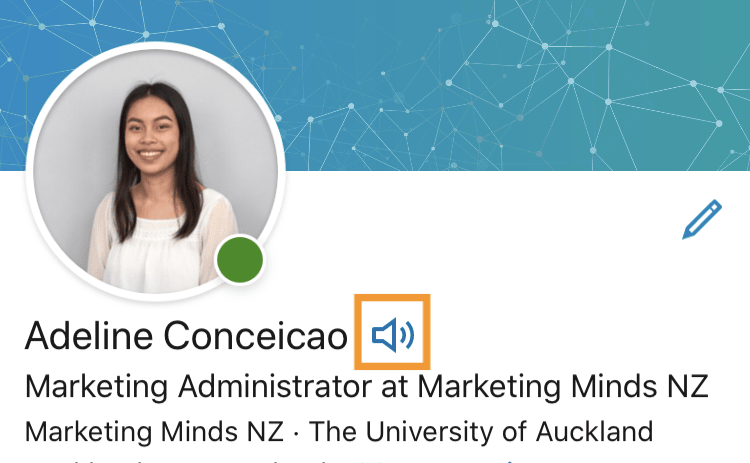
8. You’re all set! People can now listen to your name pronunciation by clicking the speaker symbol next to your name.
LinkedIn Learning things to note:
- The total recording must be less than 10 seconds
- Try record in a quiet area to minimise background noise
- Hold your phone about 10cm away from your mouth
- You can listen to others’ name pronunciation on all devices (desktop/mobile/app), but can only set up and edit yours within the app.
______________________________________________________________________________________
Your business could qualify for partial government grant with Marketing Minds Digital Marketing Success programme.
If you want some more personalised advice on reaching your marketing objectives, or if you have any other questions, call us at +64 9 6344 390, email hello@objective.co.nz or contact us.
Want more tips on LinkedIn for business? Check out these articles:
- Creating an event on LinkedIn
- Using the ‘featured’ section on your profile
- How to Invite Connections to Follow Your Company Page
Never miss an article! Google now lets you choose trusted websites you would like to see more often in Search. Just add Objective.co.nz as a preferred source now →
If you’ve found this article useful, please share it with others.
